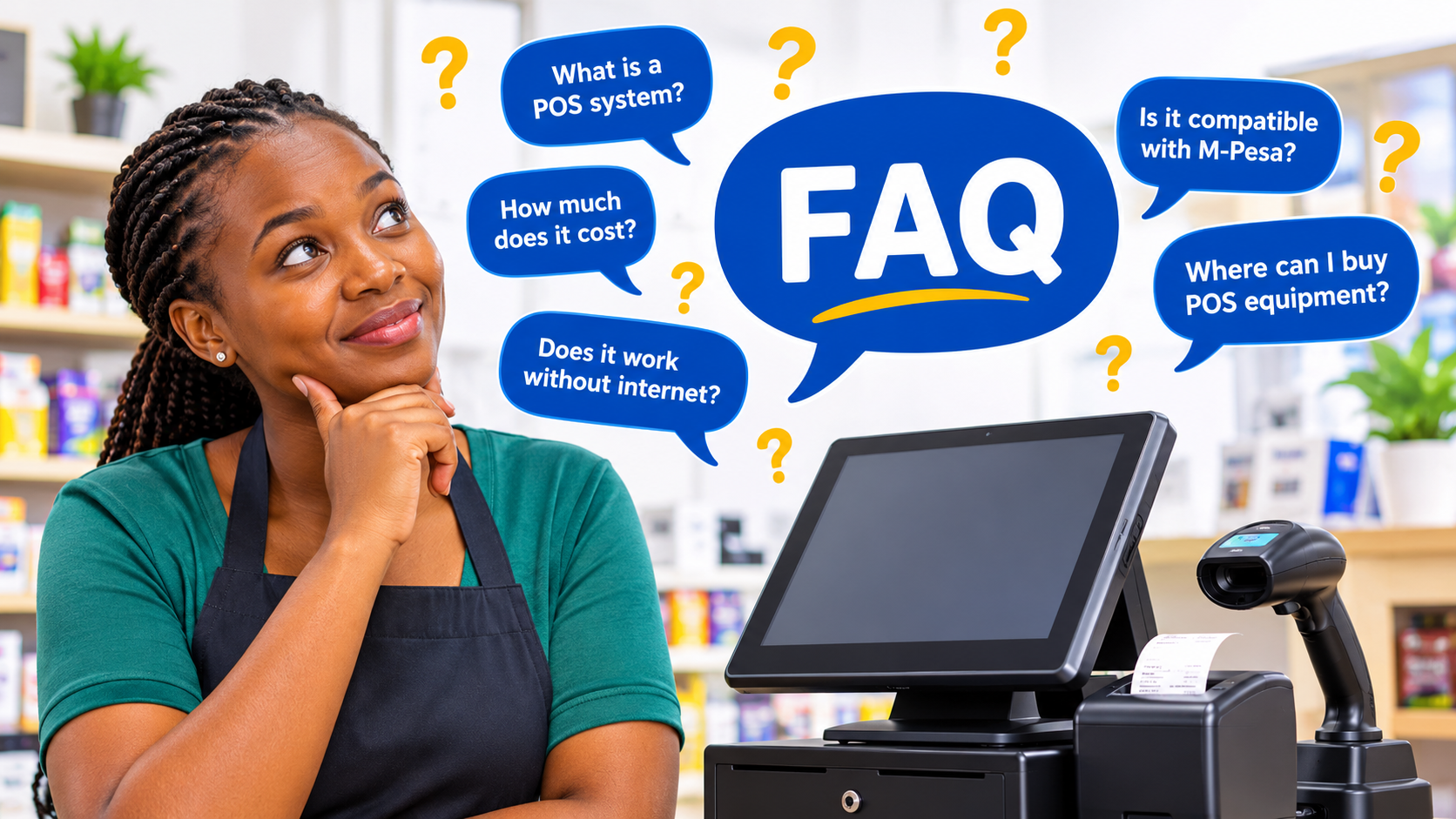
If you are planning to buy a POS system for your business, you may have questions about the equipment required, costs, compatibility, installation and maintenance.
Below are answers to some of the most common questions Kenyan businesses ask when choosing POS equipment and complete POS solutions.
1. What is a POS system?
A Point of Sale (POS) system is a combination of hardware and software used to process sales transactions and manage business operations.
A typical POS system may include a touchscreen computer, receipt printer, barcode scanner, cash drawer and POS software.
Depending on the software, it can also help businesses manage stock, track sales, monitor expenses, manage employees and generate business reports.
2. How much does a POS system cost in Kenya?
The cost of a POS system in Kenya depends on the type of equipment, software, features and business requirements.
A basic setup may require fewer components, while a complete POS workstation with a touchscreen terminal, receipt printer, barcode scanner, cash drawer and software will require a higher investment.
Other costs to consider include:
- Software licensing or subscription fees.
- Installation and configuration.
- Staff training.
- Maintenance and technical support.
- Additional equipment for multiple checkout points.
It is advisable to compare complete package costs rather than looking at the price of an individual POS machine.
3. What equipment is required for a complete POS system?
A standard POS workstation may include:
- POS touchscreen computer: The main device used to operate the POS software.
- Receipt printer: Prints customer receipts.
- Barcode scanner: Reads product barcodes during checkout.
- Cash drawer: Provides secure storage for cash.
- POS software: Processes transactions and manages business information.
Optional equipment may include customer display screens, barcode label printers, weighing scales, UPS units and network accessories.
The exact setup depends on the type and size of the business.
4. Can I buy POS equipment individually instead of purchasing a complete package?
Yes. You can purchase individual POS components depending on your requirements.
For example, if you already have a touchscreen terminal, you may only need to purchase a receipt printer or barcode scanner.
However, before buying individual components, confirm that they are compatible with your existing POS software and hardware.
A complete POS package may be more convenient when setting up a new workstation, while individual purchases can be suitable for replacements and upgrades.
5. Which POS machine is best for a retail shop in Kenya?
The best POS machine depends on the shop’s size, transaction volume, product range and operational requirements.
A typical retail shop may benefit from:
- A reliable touchscreen POS terminal.
- A thermal receipt printer.
- A barcode scanner.
- A cash drawer.
- POS software with stock management and sales reporting.
For businesses with many products, barcode scanning and inventory management are particularly useful.
6. What is the difference between a POS touchscreen computer and a normal desktop computer?
A POS touchscreen computer is designed for point-of-sale operations. It typically has a touchscreen interface that allows staff to interact directly with the POS software.
A normal desktop computer usually requires a separate monitor, keyboard and mouse.
POS touchscreen terminals can help save counter space, simplify checkout operations and create a more convenient sales environment.
However, a standard desktop computer can also run POS software if it meets the software’s technical requirements.
7. What is the difference between a 58mm and an 80mm thermal receipt printer?
The main difference is the width of the receipt paper supported.
| Feature | 58mm printer | 80mm printer |
| Paper width | 58mm | 80mm |
| Receipt size | Narrower | Wider |
| Typical use | Small shops and compact setups | Supermarkets, restaurants and busy retail outlets |
| Printing space | Limited | More room for transaction details |
| Counter space | Generally compact | May require more space |
An 80mm printer is often suitable where businesses need wider receipts with more information, while a 58mm printer can be appropriate for simpler transactions.
Always confirm the printer’s connectivity and software compatibility before purchasing.
8. Do all barcode scanners work with POS systems?
No. Although many barcode scanners are designed to work with POS systems, compatibility depends on the scanner’s interface, connection type, operating system and POS software.
Common scanner connection options include:
- USB.
- Bluetooth.
- Wireless receivers.
- Serial connections on selected models.
Most USB barcode scanners that support keyboard-wedge operation are straightforward to connect to compatible computers.
Before purchasing, confirm that the scanner supports the barcode types used by your business.
9. Can a POS system work without internet?
Yes, some POS systems support offline operations, but this depends on the software.
An offline-capable POS system may allow businesses to continue recording sales and printing receipts when internet connectivity is unavailable.
However, functions such as cloud synchronization, remote reporting, online payments and multi-branch updates may require internet access.
Before purchasing POS software, ask the provider which functions remain available offline and how transactions synchronize once connectivity is restored.
10. Can I connect a cash drawer to a POS system?
Yes. Many POS cash drawers connect to a compatible receipt printer using a dedicated cash drawer port.
When a transaction is completed, the POS software can send a signal through the printer to open the cash drawer.
Some cash drawers use different connection arrangements, so compatibility should be confirmed before purchasing.
11. Can I use a POS system with M-Pesa payments?
Yes, POS software can support M-Pesa payment recording or integration, depending on the system and its available integrations.
Some systems allow staff to record M-Pesa transactions manually, while others may support automated payment confirmation through an integration.
When evaluating a POS system, clarify whether M-Pesa functionality is manual or automated and whether any additional integration fees apply.
12. Is every POS system compliant with KRA eTIMS requirements?
No. Buying a POS machine does not automatically make a business eTIMS compliant.
KRA’s electronic invoicing requirements concern the invoicing solution and how it complies with applicable tax requirements. Businesses should establish whether their chosen software supports the required eTIMS functionality and whether the relevant integration or configuration has been completed.
Before purchasing, confirm the solution’s current compliance status with the software provider and consult official KRA guidance at Kenya Revenue Authority.
13. How long does a POS machine last?
The lifespan of a POS machine depends on its quality, usage, operating environment and maintenance.
A well-maintained POS terminal can serve a business for several years. However, components such as receipt printers, scanners and cash drawers may require replacement or servicing at different intervals.
To extend equipment lifespan:
- Keep equipment clean and dust-free.
- Use the recommended power supply.
- Protect devices from power surges.
- Use compatible thermal paper.
- Avoid rough handling.
- Carry out regular maintenance.
14. What should I consider before buying POS equipment?
Before purchasing POS equipment, consider:
- Your business type and operational needs.
- Number of checkout stations.
- Expected transaction volumes.
- Equipment quality and specifications.
- Compatibility with your POS software.
- Internet and offline requirements.
- Total cost of ownership.
- Warranty and after-sales support.
- Ability to expand as your business grows.
Avoid choosing equipment based on price alone. The right equipment should support reliable and efficient business operations.
15. Can I upgrade my existing POS system?
Yes. In many cases, you can upgrade your existing POS workstation without replacing every component.
For example, you may replace an outdated touchscreen terminal, add a barcode scanner, upgrade your receipt printer or introduce additional checkout stations.
However, check compatibility with your existing POS software and operating system before upgrading.
16. Where can I buy POS machines and accessories in Kenya?
You can explore POS hardware and accessories from specialist suppliers such as MaxPOS.
At MaxPOS, businesses can explore POS equipment options, including touchscreen terminals, thermal receipt printers, barcode scanners, cash drawers and other POS accessories.
The right supplier should help you identify equipment that matches your business requirements and works with your intended POS setup.
Ready to Buy POS Equipment for Your Business?
Whether you are opening a new business, upgrading an existing checkout workstation or setting up multiple branches, choosing the right POS equipment is an important investment.
MaxPOS helps Kenyan businesses explore POS hardware and complete workstation options to support efficient sales operations.
Visit MaxPOS: www.maxpos.co.ke to explore available POS equipment and find a suitable solution for your business.