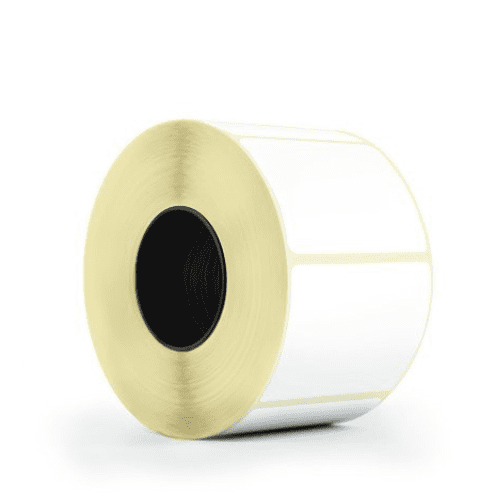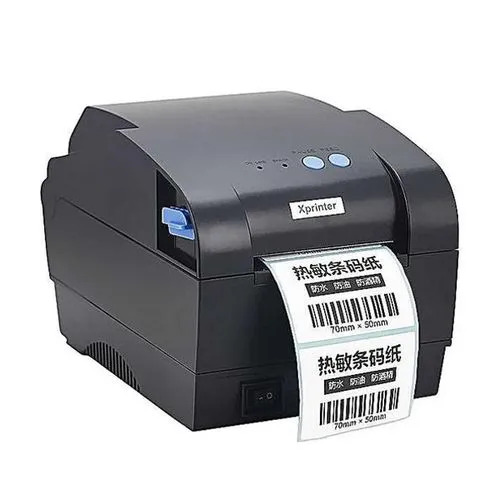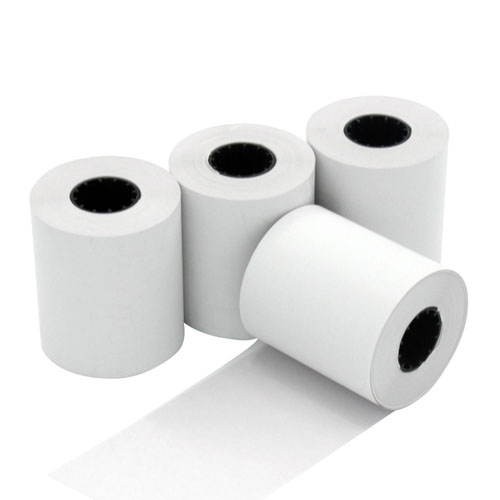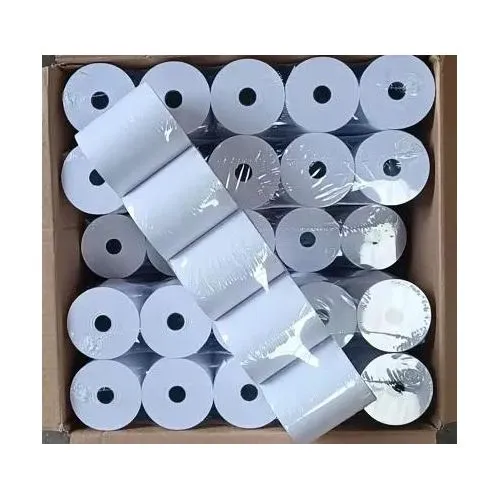
Let’s face it—barcode printing in Kenya can seem straightforward, but there’s more to it than meets the eye. Even experts sometimes encounter hiccups. Maybe your barcodes don’t scan as smoothly as you’d like, or perhaps you’ve noticed labels wearing out too quickly. Don’t worry—you’re not alone!
In this guide, we’ll cover five common barcode printing challenges many people face we will offer simple, effective solutions to help you avoid them in the future. With a few tweaks, you can ensure your barcodes print perfectly every time.
Mistake #1: Using Labels That Don’t Match the Environment
Why It’s a Challenge:
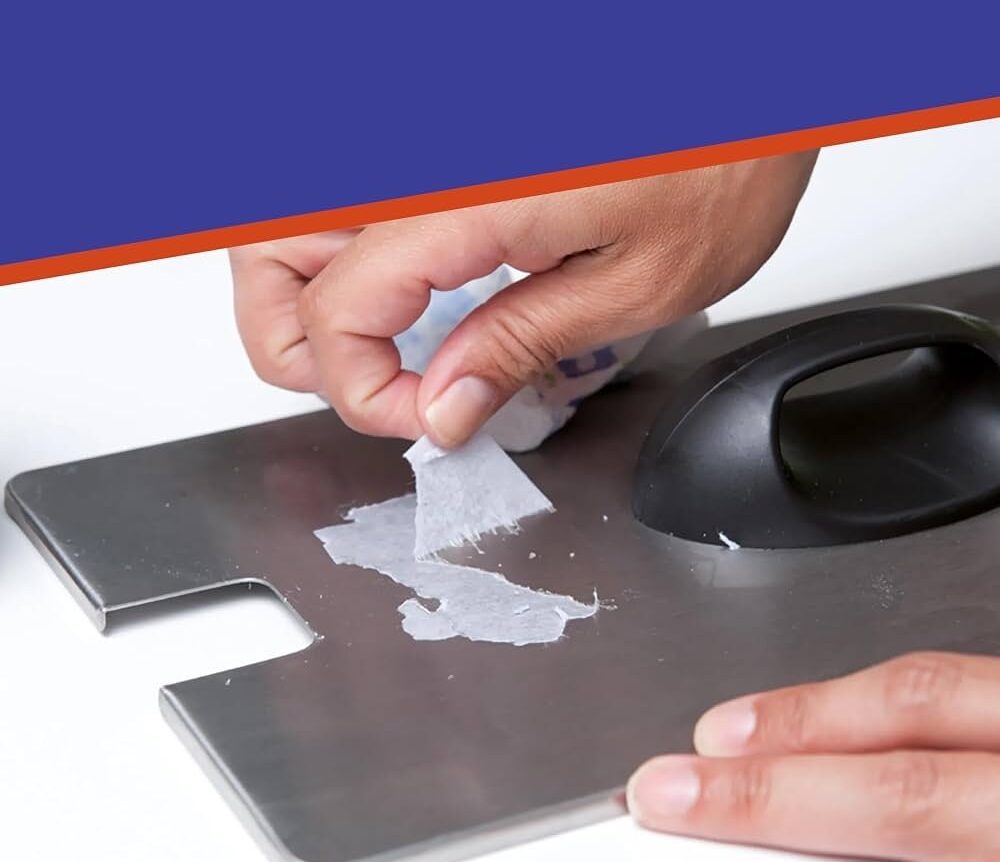
Labels in Kenya aren’t one-size-fits-all. Using a standard paper label in a high-humidity or cold-storage environment can lead to smudging, peeling, or complete illegibility.
How to Fix It:
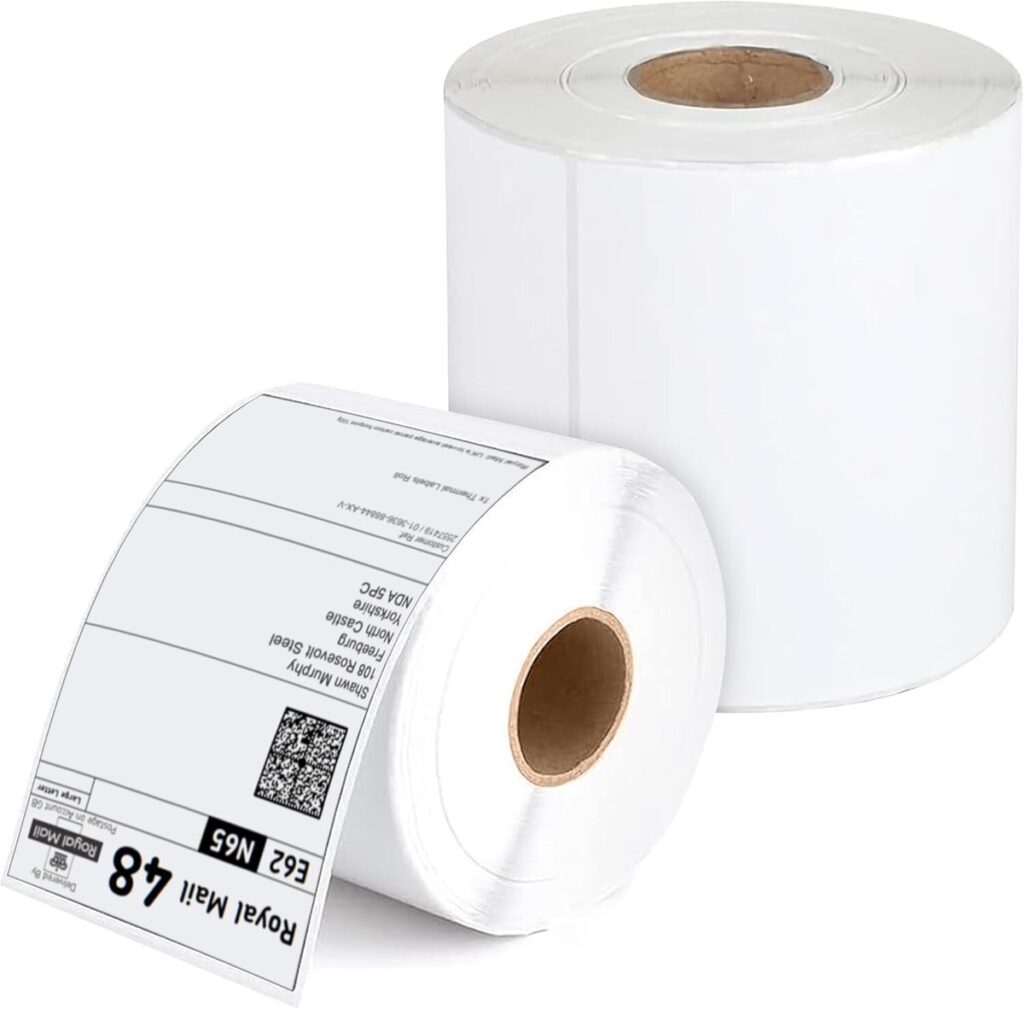
Choose label materials designed for the conditions your products will encounter. For example, synthetic labels work great for outdoor or rugged environments, while heat-resistant materials are ideal for high-temperature settings. Need help choosing? A supplier like MaxPOS Systems can guide you toward the perfect option.
Mistake #2: Skipping Printer Calibration
Why It’s a Challenge:
Printer calibration ensures your labels and ribbons align perfectly, but it’s easy to overlook. Skipping this step can result in uneven printing, misaligned barcodes, or wasted labels.
How to Fix It:
Take a few moments to calibrate your printer every time you load a new roll of labels or ribbon. Most printers have a simple calibration process outlined in their user manuals. Trust us—it’s worth the extra minute!
Mistake #3: Not Optimizing Printer Settings for Quality
Why It’s a Challenge:
Sometimes, barcodes come out blurry or faint because the printer’s settings aren’t optimized. Print speed, heat settings, and resolution (DPI) all play a role in barcode clarity.
How to Fix It:
Check your printer settings before you start a print job. Slowing down the print speed or increasing the heat setting can often make a world of difference. If you’re unsure, consult the printer’s manual or reach out to the manufacturer’s support team.
Mistake #4: Overlooking Regular Printer Maintenance
Why It’s a Challenge:
Your printer works hard, and like any machine, it needs regular care. Dust, debris, and worn-out parts can lead to streaky prints, faded barcodes, and costly downtime.
How to Fix It:
Make printer maintenance a priority. Clean the printhead regularly with approved cleaning supplies, and replace components like platen rollers or printheads as needed. Bonus tip: Using genuine consumables from reputable suppliers can help extend your printer’s lifespan and ensure consistent quality.
Mistake #5: Assuming Barcodes Are Always Ready to Scan
Why It’s a Challenge:
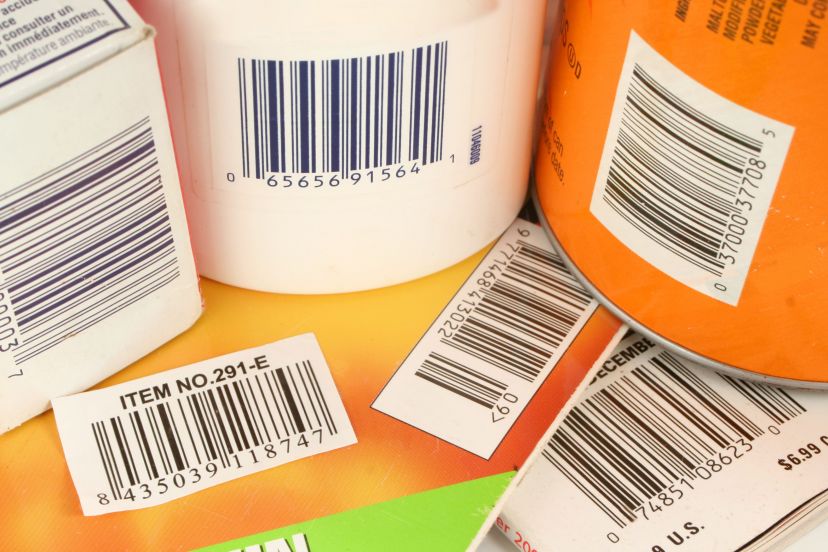
A barcode might look perfect, but that doesn’t guarantee it will scan properly. Issues like poor contrast, incorrect sizing, or non-compliance with industry standards can cause scanners to struggle.
How to Fix It:
Run a quick quality check with a couple of barcode scanners in order to confirm if the barcode is actually scannable.
Bonus Tip: Choosing the Right Printer Matters
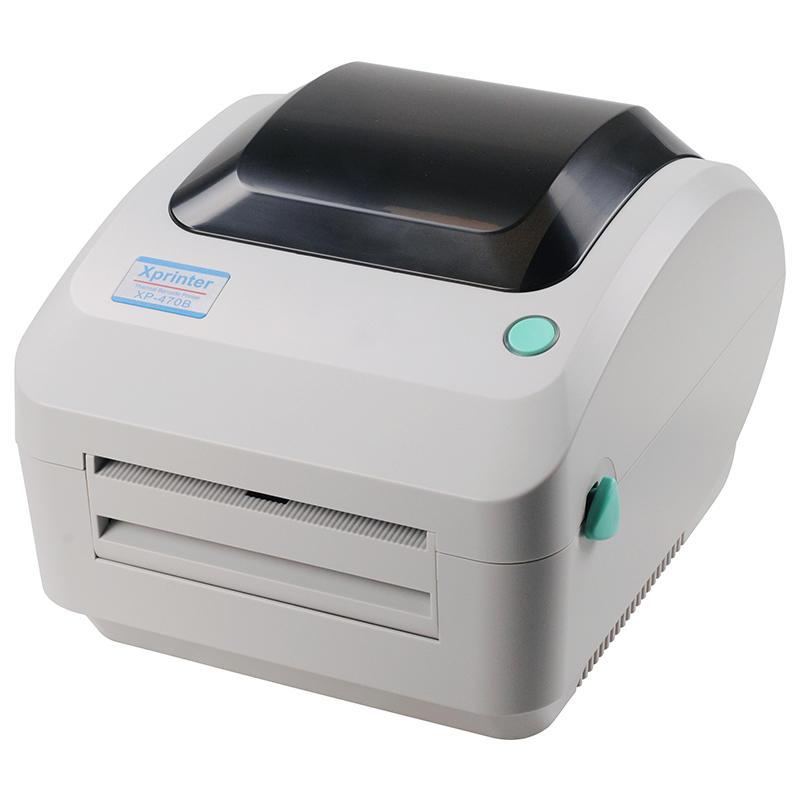
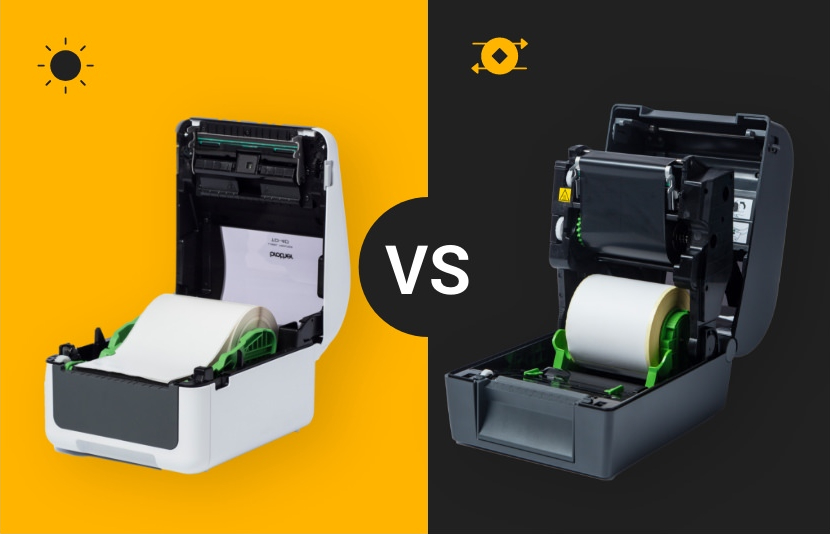
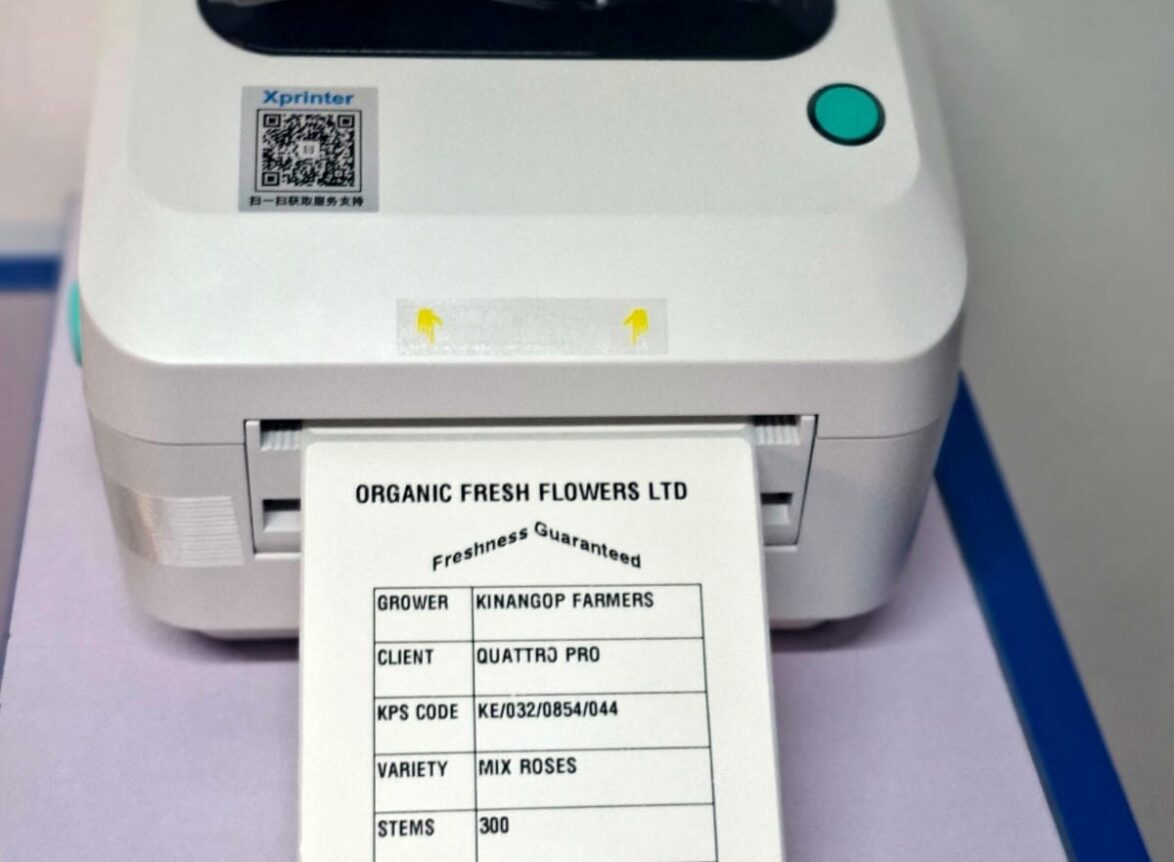
If barcode issues are slowing you down, it might be time to assess your equipment. The right printer can make all the difference! For small businesses, XPrinter barcode printers in Kenya offer a good convergence point between affordability and quality.
For businesses requiring versatile solutions, brands such as Zebra, Bixolon, Brother and TSC are battle tested .
Conclusion
Barcode printing in Kenya doesn’t have to be a source of frustration. By addressing these common pitfalls, you’ll save time, money, and resources while ensuring your operations run smoothly.
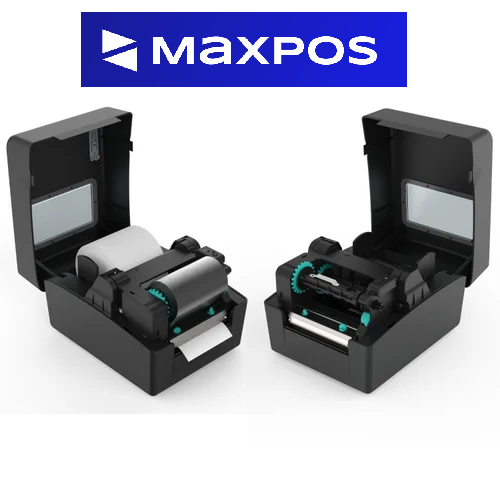
If you’re looking for the best barcode label printers in Kenya, labels in Kenya, and accessories—or just need some advice—MaxPOS Systems has you covered.
Products by Category
-
100mm x 150mm 4X6″ Self Adhesive Thermal Barcode Rolls – 500 Stickers
Original price was: KSh 1,700.00.KSh 1,599.00Current price is: KSh 1,599.00. -
38 x 25mm Label Sticker for Labels and Barcodes in Kenya
Original price was: KSh 1,300.00.KSh 950.00Current price is: KSh 950.00. -
40 x 30mm Thermal Label Roll for Labels and Barcodes in Kenya
Original price was: KSh 1,300.00.KSh 950.00Current price is: KSh 950.00. -
50 x 25mm Label Sticker for Labels and Barcodes in Kenya (1000 labels per Roll)
Original price was: KSh 1,400.00.KSh 950.00Current price is: KSh 950.00. -
60 x 40mm Thermal Label Roll for Stickers and Barcodes
Original price was: KSh 1,500.00.KSh 1,299.00Current price is: KSh 1,299.00. -
Thermal Barcode Label Printer XP-330
Original price was: KSh 12,500.00.KSh 11,499.00Current price is: KSh 11,499.00. -
Thermal Roll Papers 57mm x 40mm
Original price was: KSh 4,200.00.KSh 3,750.00Current price is: KSh 3,750.00. -
Thermal Roll Papers 79MM x 80MM
Original price was: KSh 7,200.00.KSh 6,500.00Current price is: KSh 6,500.00. -
Xprinter XP-470B Barcode/Label Printer in Kenya
Original price was: KSh 16,500.00.KSh 14,500.00Current price is: KSh 14,500.00.