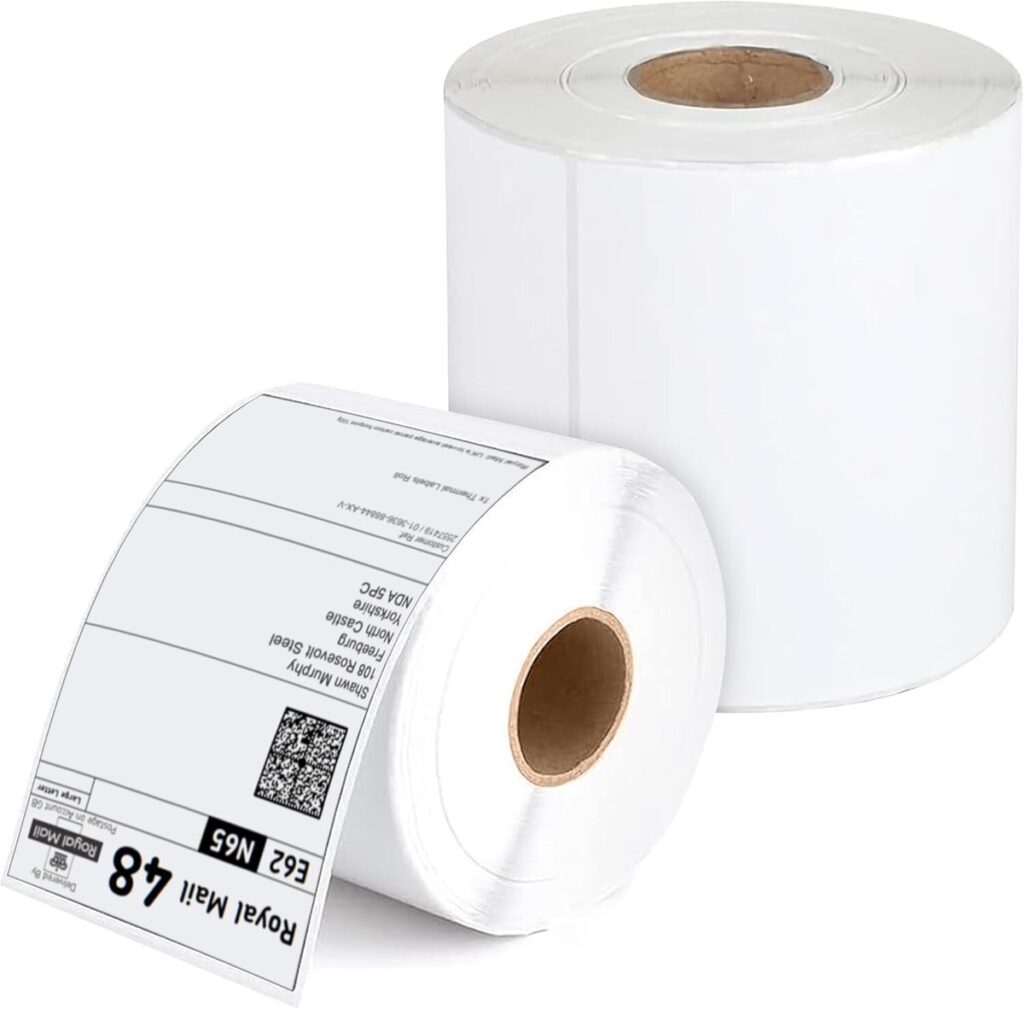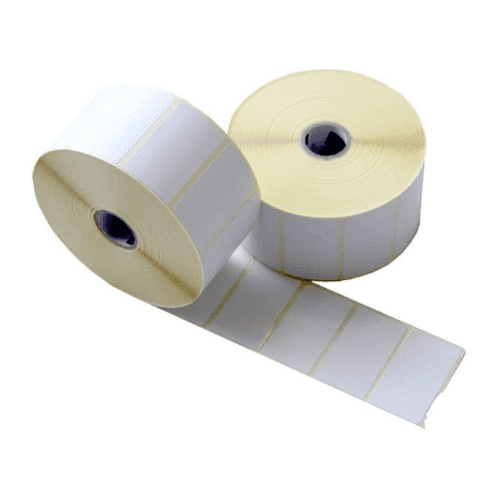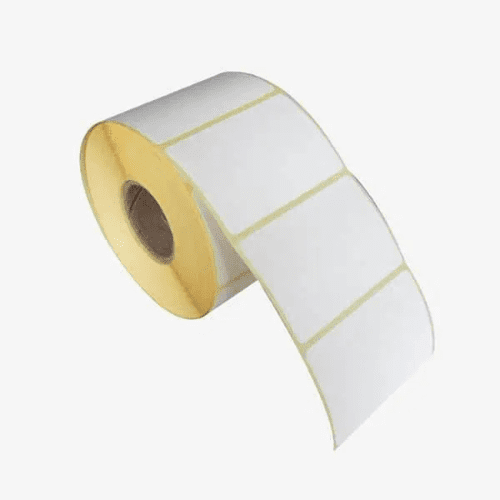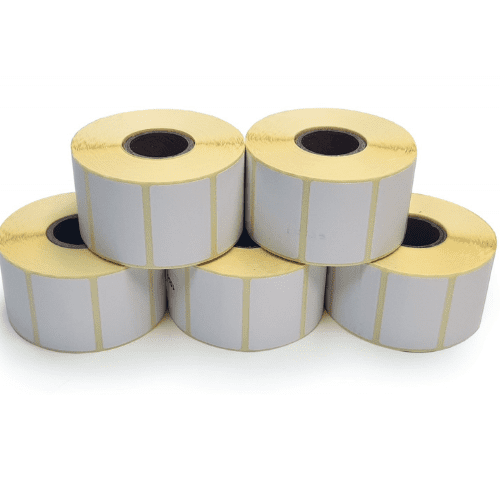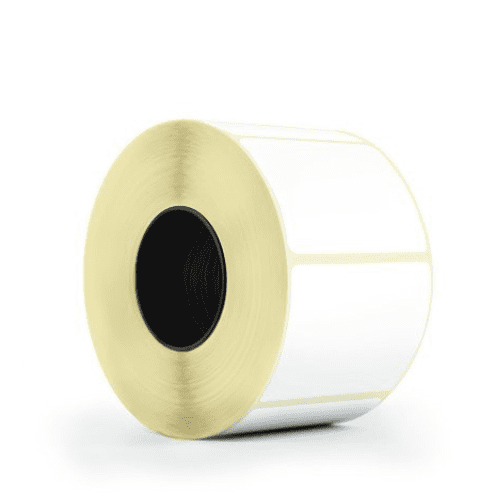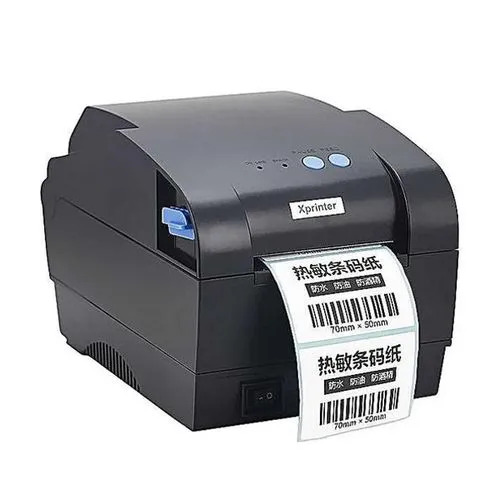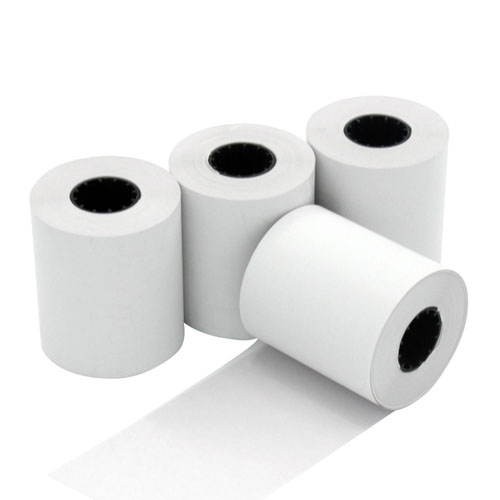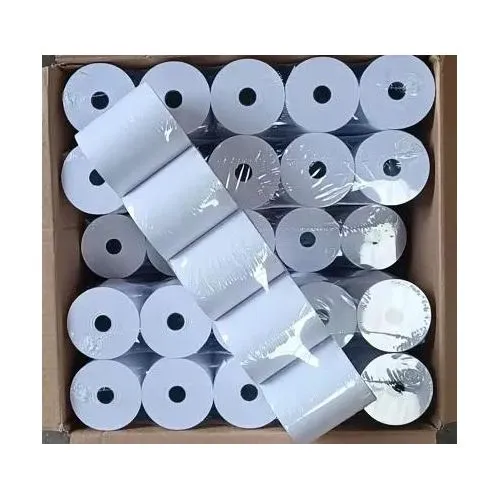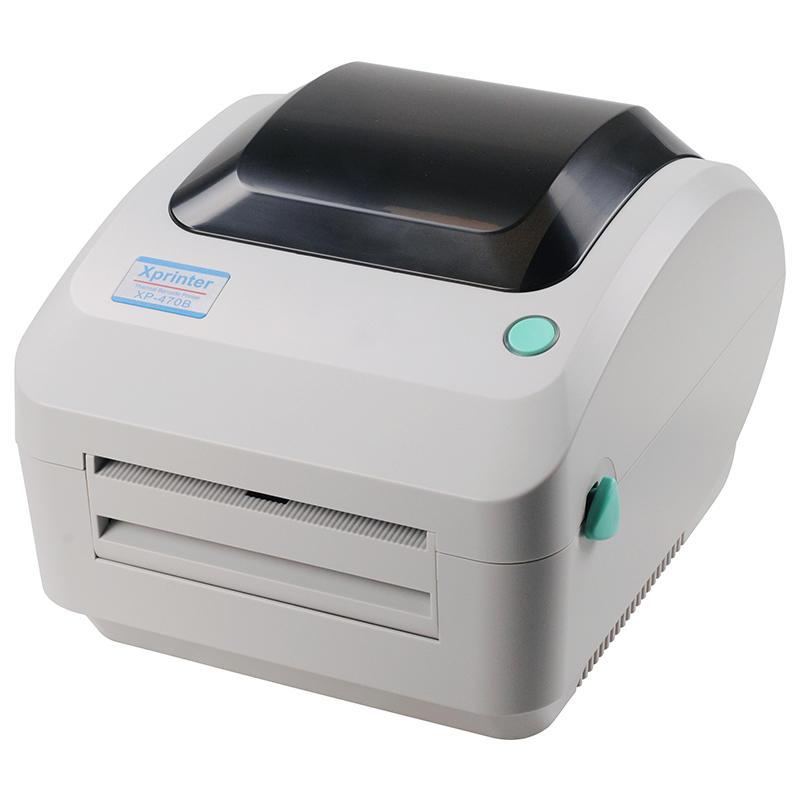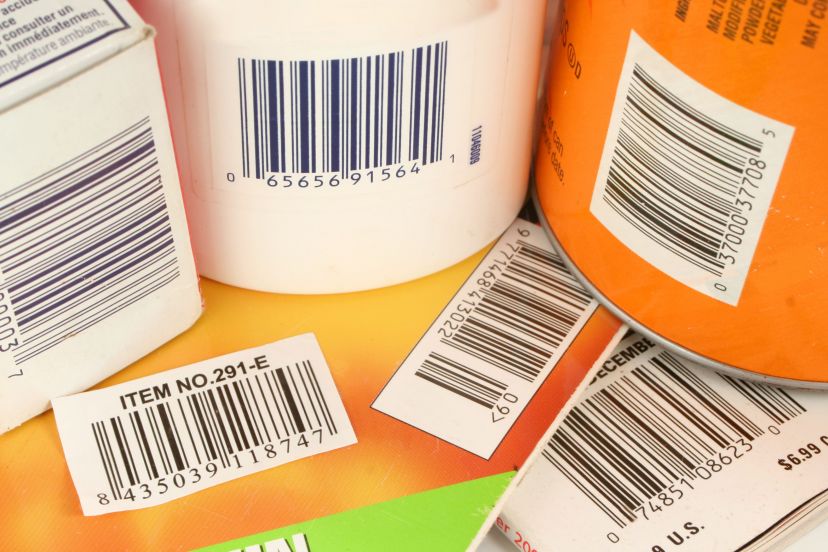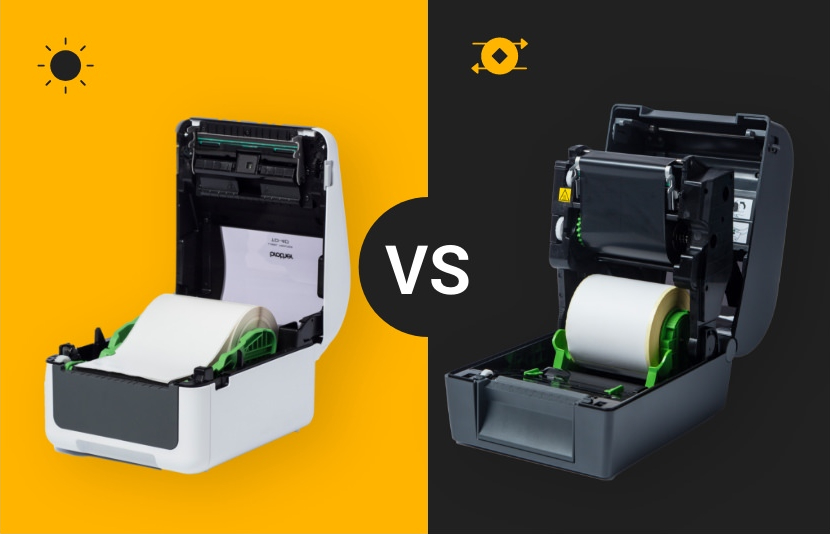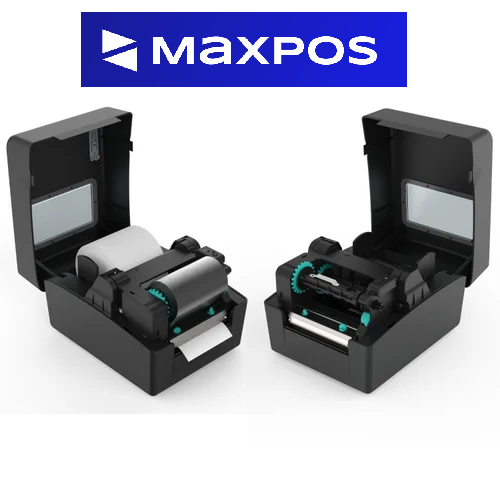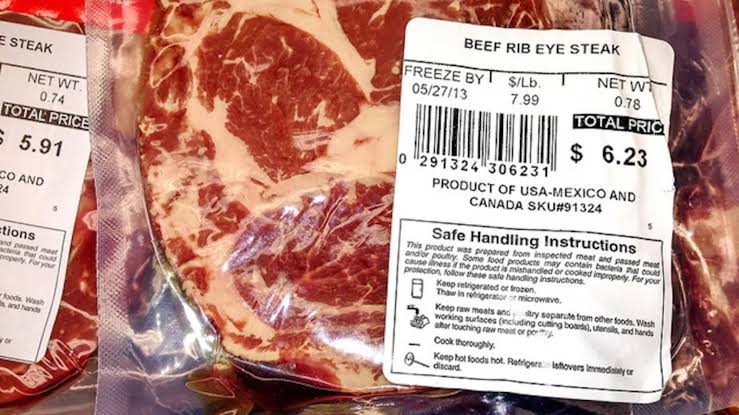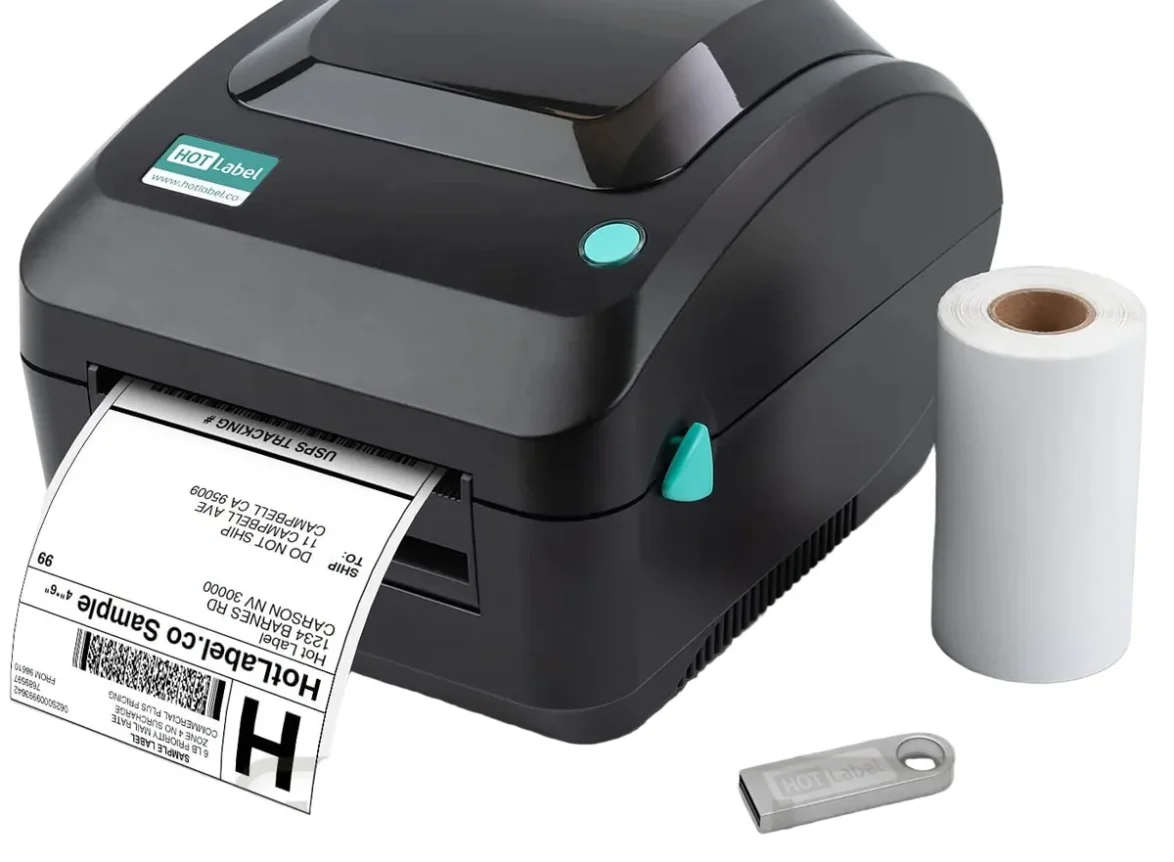
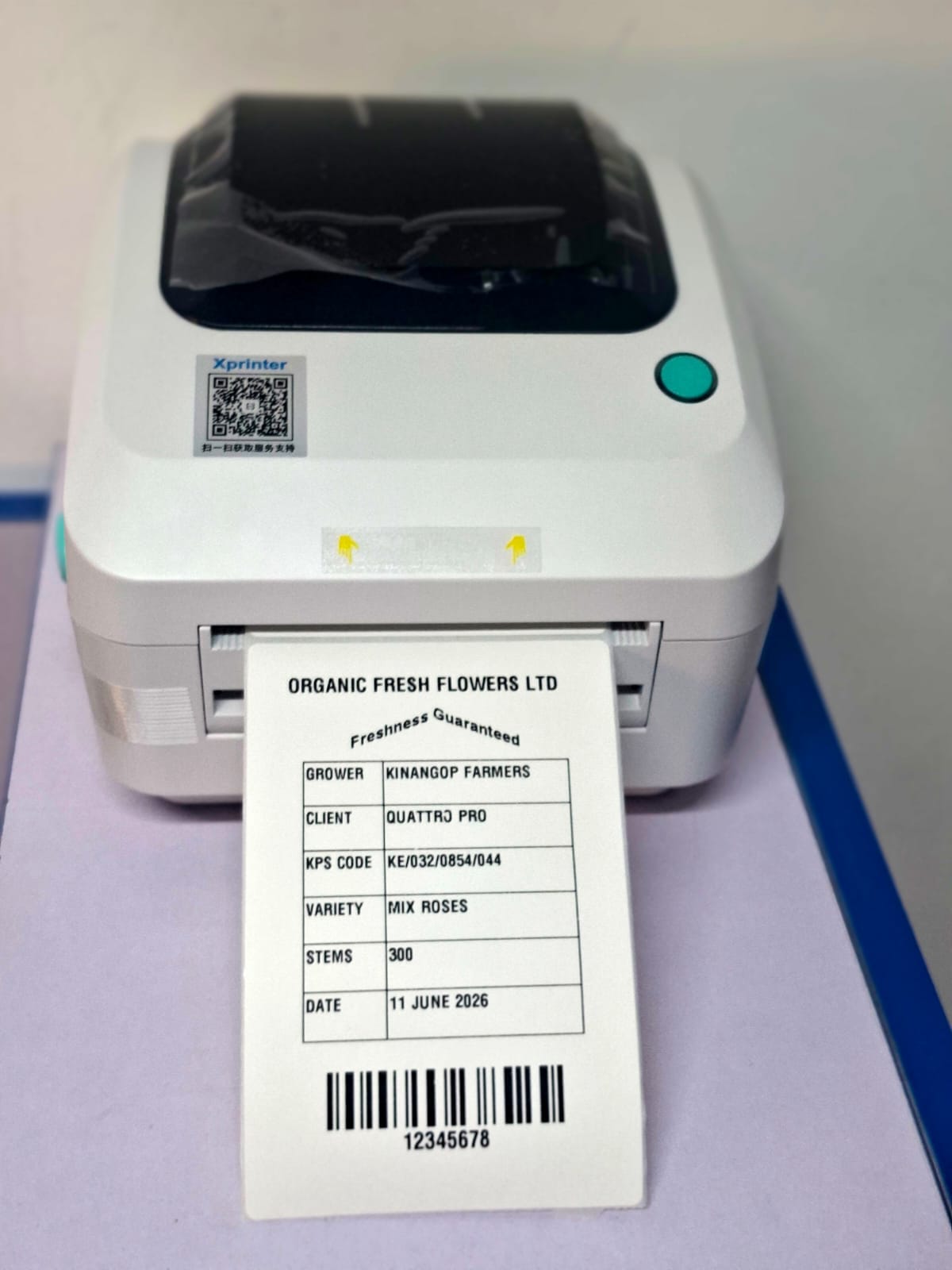
Label printers in Kenya are invaluable tools for organizing and streamlining various tasks in homes, offices, and businesses. However, the convenience they offer can be disrupted when the labels run out. Thankfully, refilling labels in a label printer is a straightforward process that anyone can accomplish with a little guidance. In this article, we will provide a comprehensive step-by-step guide to help you refill label rolls in Kenya in your label printer quickly and efficiently.
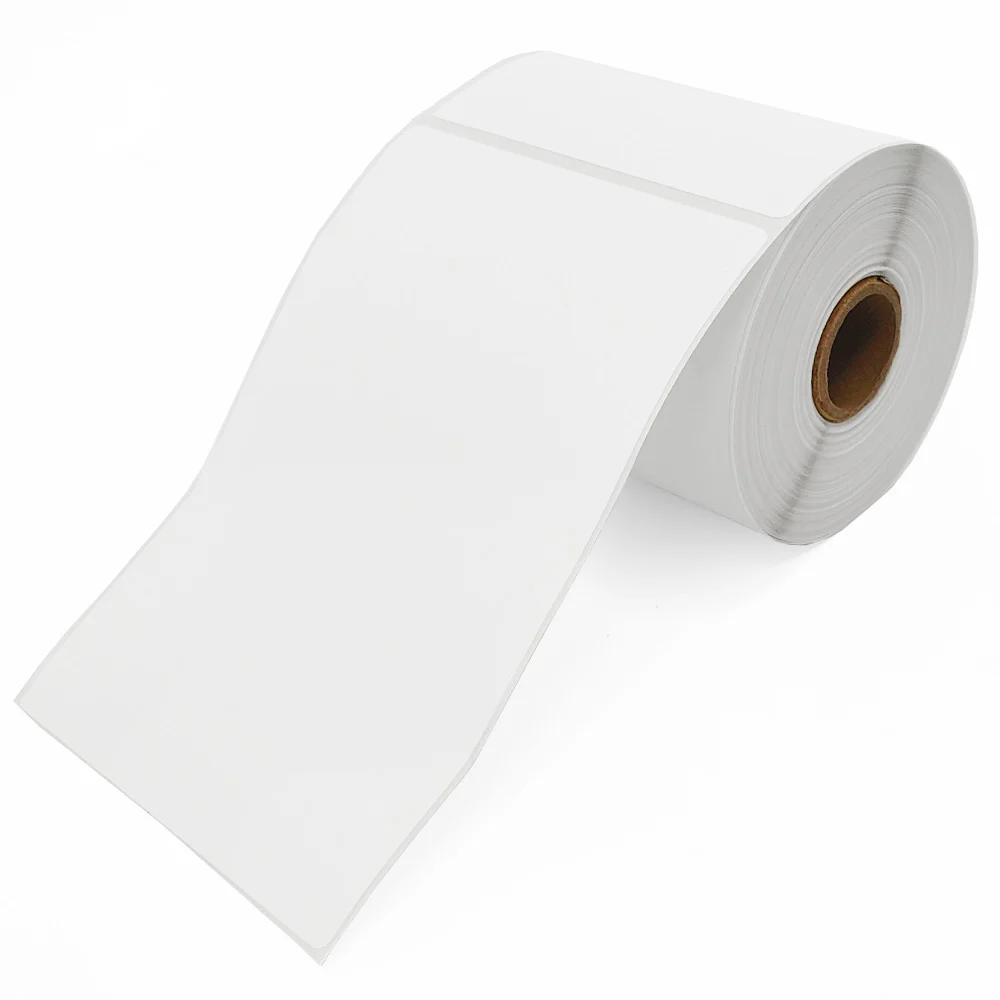
Step 1: Gather the Necessary Supplies
Before beginning the label refilling process, ensure you have all the required supplies on hand. These typically include replacement label rolls, a compatible label printer, and a user manual or manufacturer’s instructions. It is essential to use the correct label size and type for your specific label printer model to ensure optimal performance.
Step 2: Power Off the Label Printer
To prevent any accidents or damage during the refilling process, it is crucial to power off the label printer. Turn off the printer using the power button or by disconnecting it from the power source, as per the manufacturer’s instructions.
Step 3: Access the Label Compartment
Locate the label compartment of your label printer. Depending on the model, the compartment may be at the top, front, or back of the printer. Consult the user manual if you’re unsure about its exact location.
Step 4: Remove the Empty Label Roll
Carefully open the label compartment, ensuring not to force or damage any components. Locate the release mechanism or latch that secures the empty label roll in place. Release the latch and gently remove the empty roll from the spindle, taking note of its orientation.
Step 5: Prepare the New Label Roll
Take your replacement label roll and ensure it is compatible with your label printer model. Check for any specific instructions or guidelines provided by the manufacturer. Remove any packaging or protective materials from the new roll, being cautious not to touch the adhesive side of the labels.
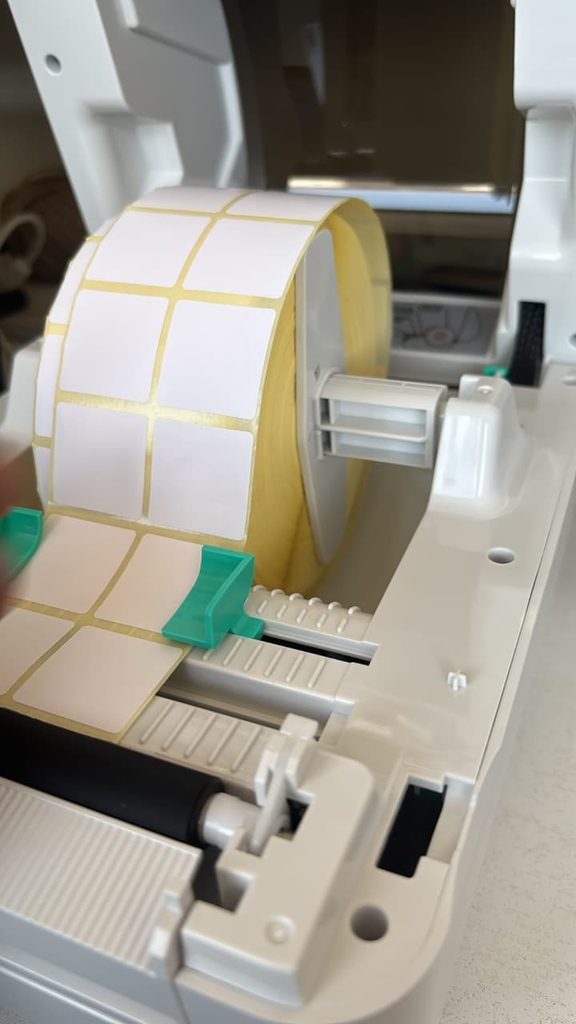
Step 6: Insert the New Label Roll
Align the new label roll with the spindle or holder inside the label compartment, ensuring the labels are facing the right direction based on your printer’s guidelines. Insert the spindle through the center of the roll and secure it using the release mechanism or latch. Make sure the roll is snugly in place but not overly tight.
Step 7: Calibrate Label Printer
Follow the designated path for threading the labels through the printer. This path is typically marked with arrows or diagrams inside the label compartment or mentioned in the user manual. Carefully guide the leading edge of the label roll into the appropriate feed mechanism, ensuring the labels are properly aligned and centered.
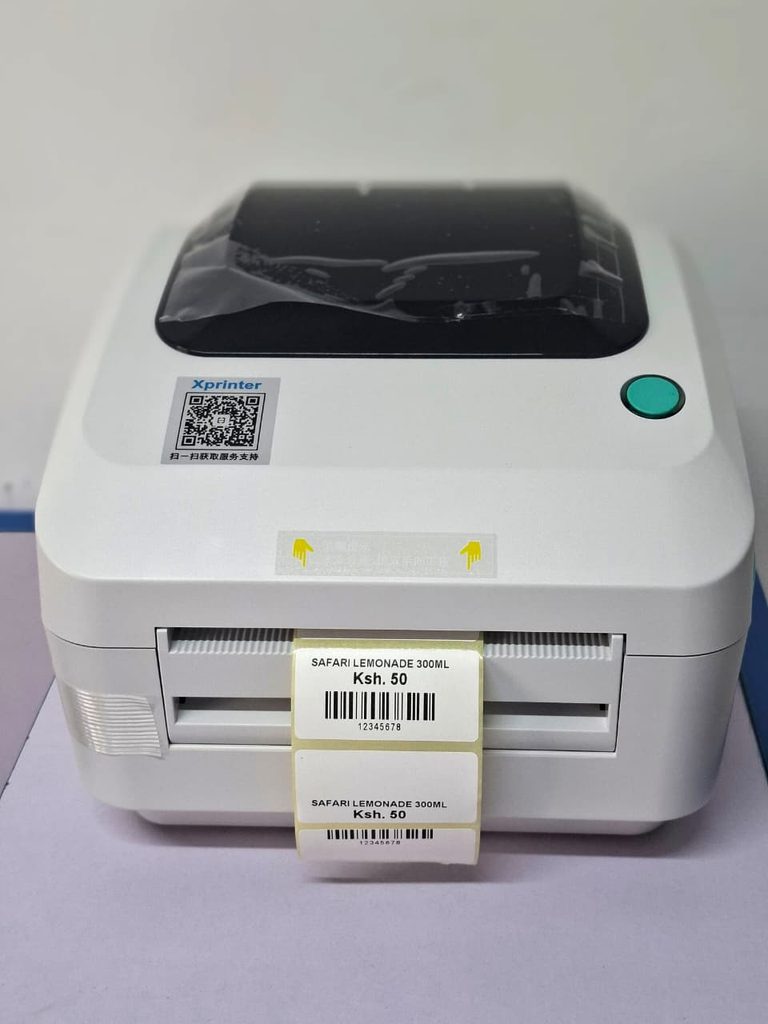
Step 8: Test the Printing Function
Once the new label roll is threaded correctly, close the label compartment securely. Power on the label printer and perform a test print to ensure the labels are feeding correctly and that the printing quality is satisfactory. Refer to the user manual for instructions on performing a test print, if needed.
Refilling labels in a label printer in Kenya is a simple process that can be completed by following a few basic steps. By gathering the necessary supplies, powering off the printer, accessing the label compartment, removing the empty roll, preparing and inserting the new roll, threading the labels, and testing the printing function, you can quickly resume your labeling tasks without any hassle. Always refer to the user manual or manufacturer’s instructions specific to your label printer model for additional guidance. With these guidelines in mind, you’ll be able to keep your label printer running smoothly and efficiently.
Label and Barcode Printers at MaxPOS Systems
There are many different types of label and barcode printers in Kenya, each with their own pros and cons. Ultimately, which scanner is best depends on your business and your specific needs.
No matter what label printer you choose, MaxPOS has you covered. We offer a variety of label barcode printers in Kenya, including direct thermal, thermal transfer and more, and our commitment to quality service means we’ll be there to help you choose the one best suited to your needs. Browse our label printers here or contact us today and let one of our certified experts help you make your purchase.
Products by Category
-
100mm x 150mm 4X6″ Self Adhesive Thermal Barcode Rolls – 500 Stickers
Original price was: KSh 1,700.00.KSh 1,599.00Current price is: KSh 1,599.00. -
38 x 25mm Label Sticker for Labels and Barcodes in Kenya
Original price was: KSh 1,300.00.KSh 950.00Current price is: KSh 950.00. -
40 x 30mm Thermal Label Roll for Labels and Barcodes in Kenya
Original price was: KSh 1,300.00.KSh 950.00Current price is: KSh 950.00. -
50 x 25mm Label Sticker for Labels and Barcodes in Kenya (1000 labels per Roll)
Original price was: KSh 1,400.00.KSh 950.00Current price is: KSh 950.00. -
60 x 40mm Thermal Label Roll for Stickers and Barcodes
Original price was: KSh 1,500.00.KSh 1,299.00Current price is: KSh 1,299.00. -
Thermal Barcode Label Printer XP-330
Original price was: KSh 12,500.00.KSh 11,499.00Current price is: KSh 11,499.00. -
Thermal Roll Papers 57mm x 40mm
Original price was: KSh 4,200.00.KSh 3,750.00Current price is: KSh 3,750.00. -
Thermal Roll Papers 79MM x 80MM
Original price was: KSh 7,200.00.KSh 6,500.00Current price is: KSh 6,500.00. -
Xprinter XP-470B Barcode/Label Printer in Kenya
Original price was: KSh 16,500.00.KSh 14,500.00Current price is: KSh 14,500.00.