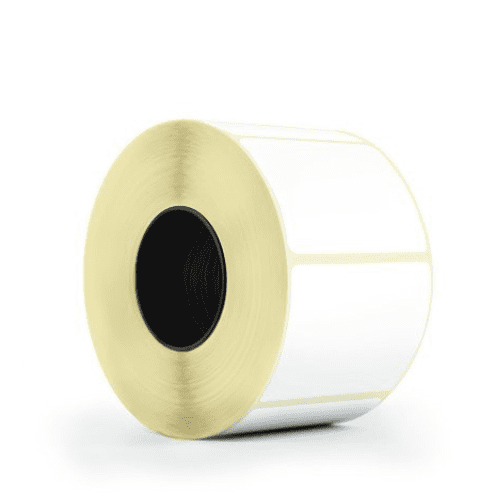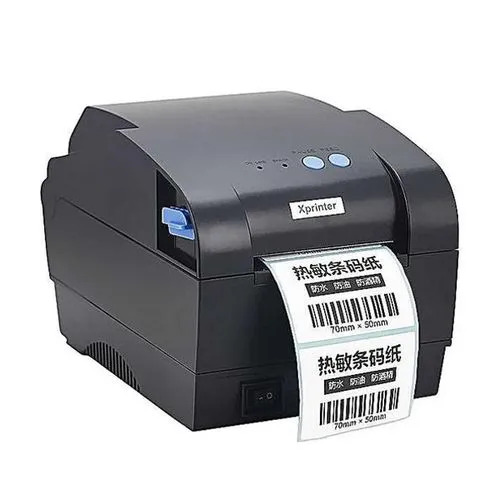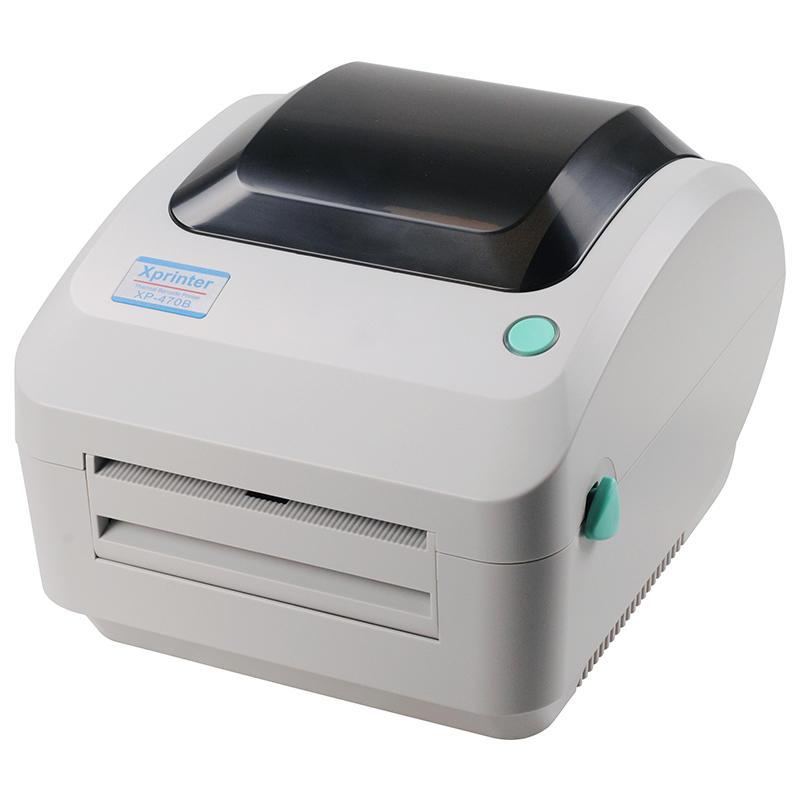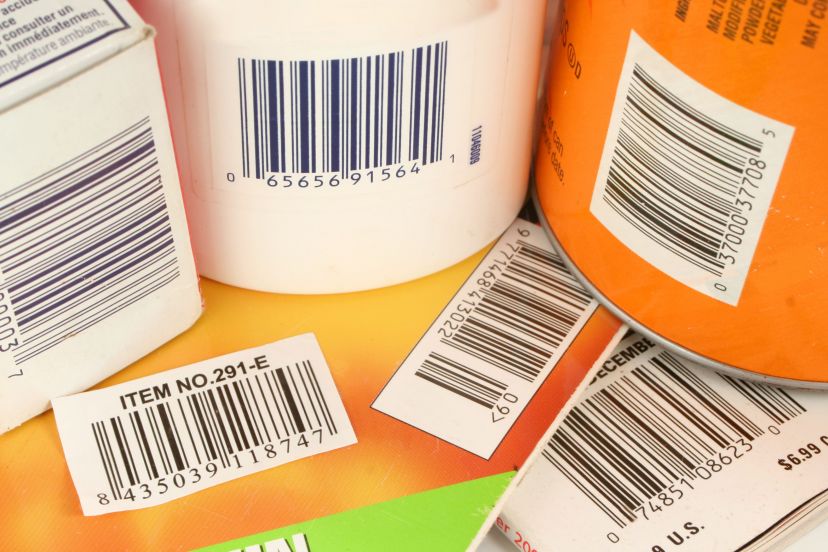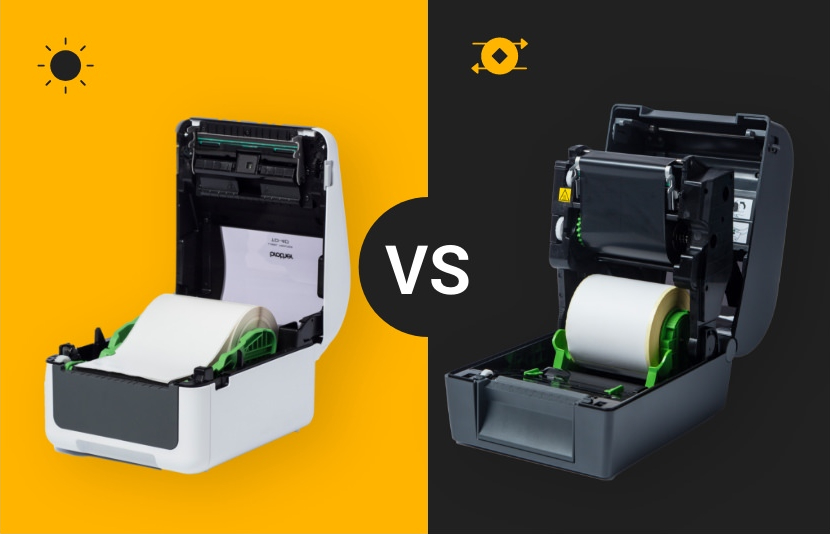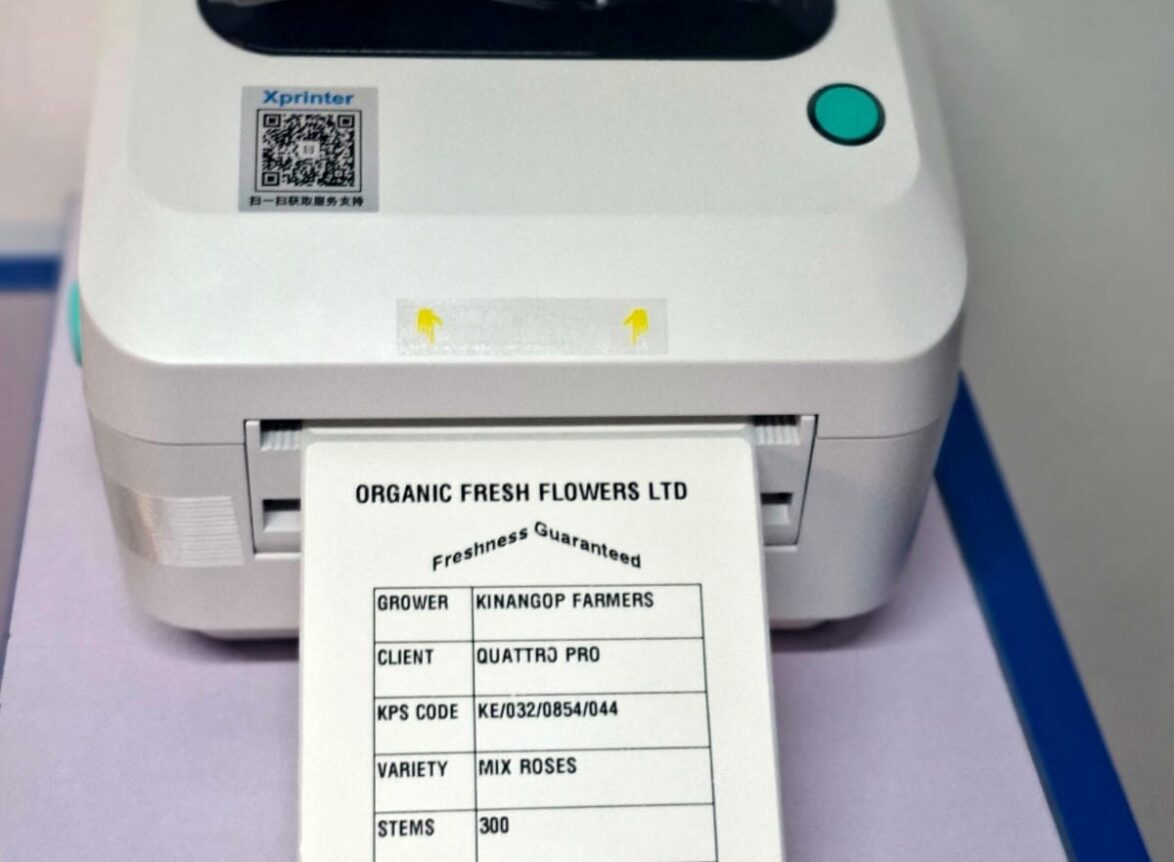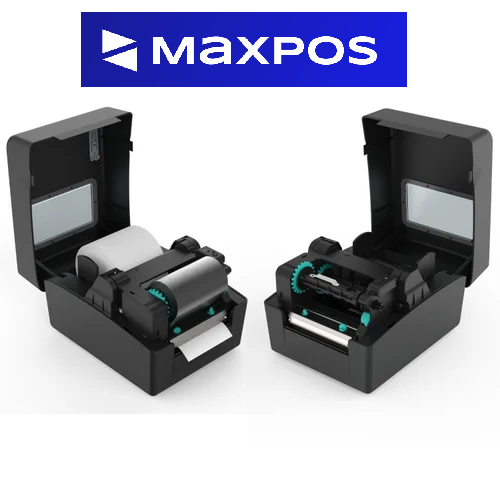
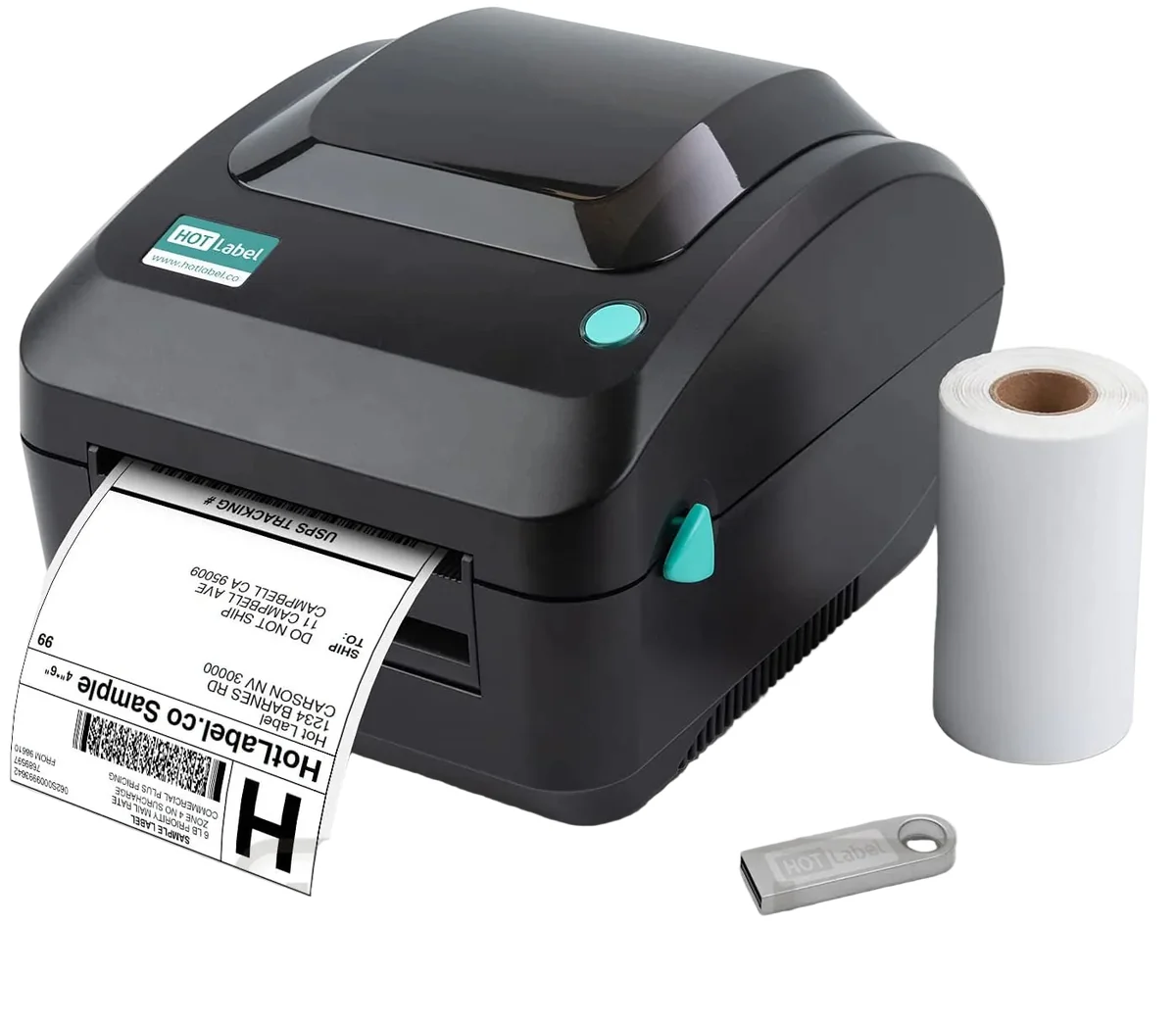
Label printers in Kenya are essential tools for businesses that rely on efficient product labeling and inventory management. However, encountering issues with thermal label printers in Kenya can disrupt operations and cause delays. In this article, we will explore four practical solutions to common label printer problems, helping you maintain seamless operations and ensure optimal performance.
1. Regular Maintenance
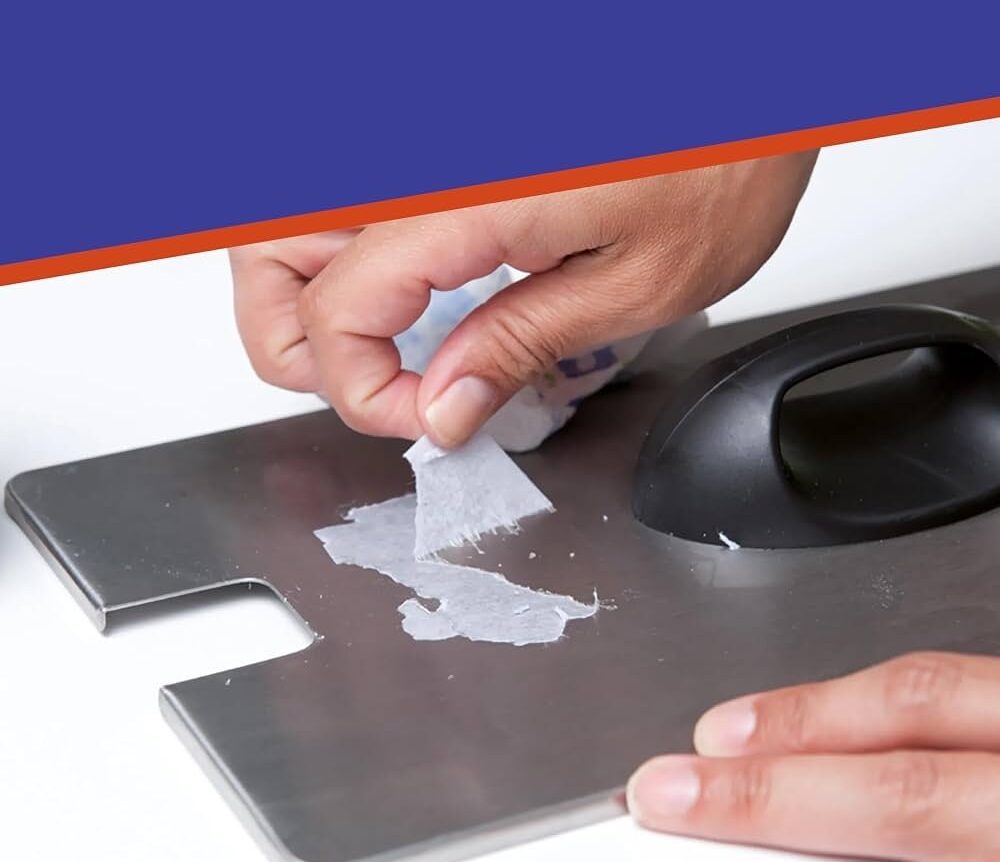
To keep your label printer in top condition, regular maintenance is crucial. Over time, dust, adhesive residue, and other debris can accumulate on the printhead and rollers, leading to clogs and poor print quality. Here are some maintenance tips:
- Clean the Printhead: Use a soft cloth and a cleaning solution recommended by the printer manufacturer to gently wipe the printhead. This helps prevent clogs and ensures clear, crisp prints. The best cleaning solution is usually 99.99% Alcohol
- Inspect and Clean Rollers: Rollers should be free from dust and adhesive buildup. Clean them regularly to maintain smooth label feeding and prevent jams.
- Perform Routine Checks: Regularly check for wear and tear on parts like the platen roller and replace them as needed to avoid unexpected breakdowns.
2. Use Quality Labels
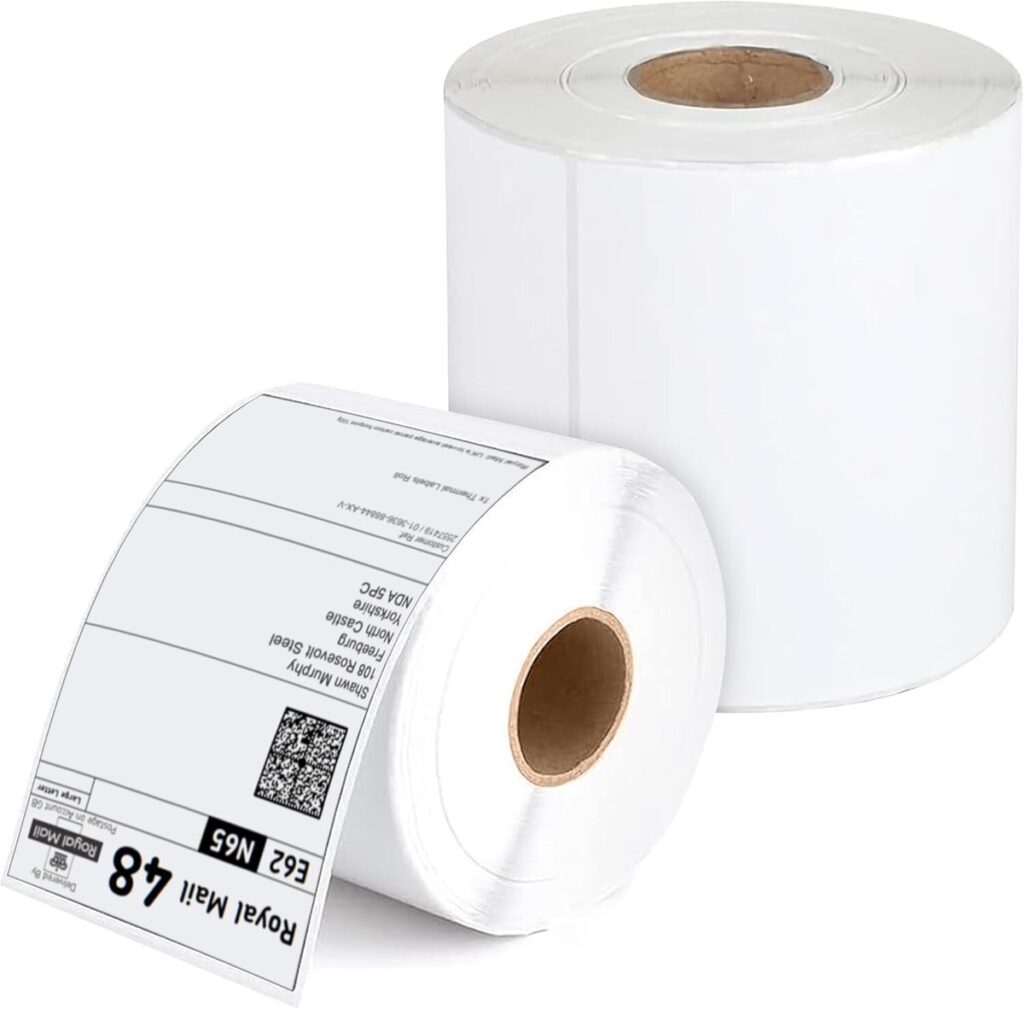
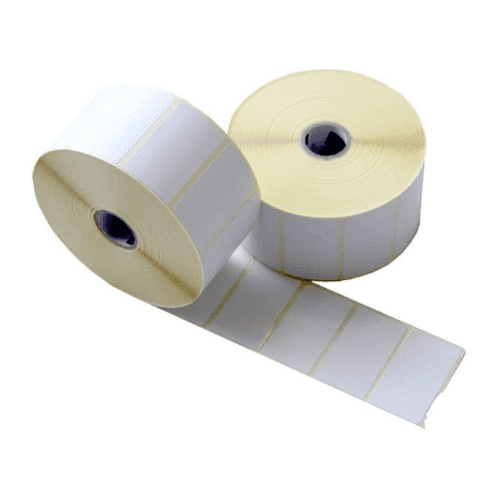
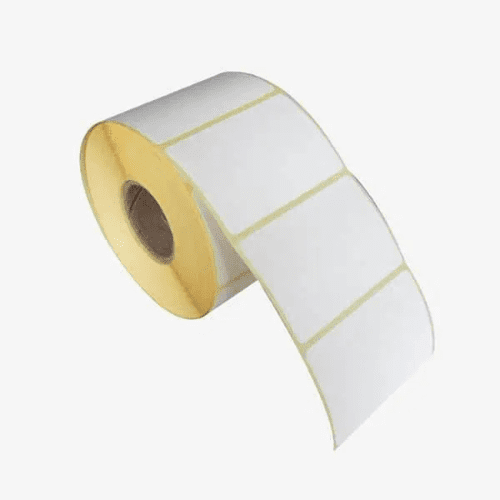
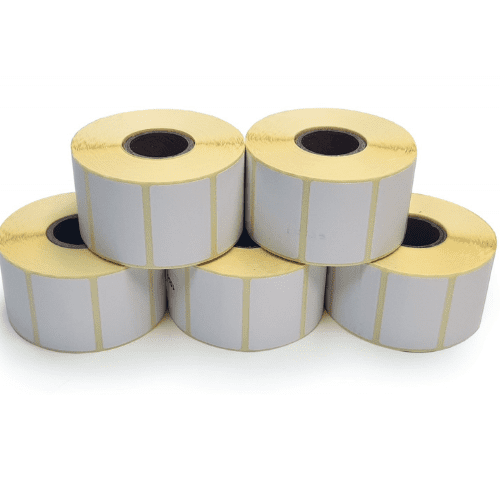
The quality of thermal label rolls in Kenya and label ribbons you use can significantly impact your printer’s performance. Inferior materials can lead to frequent jams, poor print quality, and increased wear on printer components. Follow these guidelines for best results:
- Choose High-Quality Labels: Select label rolls in Kenya that are designed for your specific printer model. High-quality labels are less likely to peel or jam during printing.
- Compatible Ribbons: Ensure that the ribbons are compatible with your printer and labels. Using the right combination can enhance print quality and longevity.
- Storage Conditions: Store labels and ribbons in a cool, dry place to prevent them from becoming brittle or sticky, which can cause feeding problems.
3. Check Printer Settings
Incorrect label printer settings are a common cause of poor print quality and label wastage. Ensuring that your printer is configured correctly can resolve many issues:
- Verify Print Settings: Check the print speed, darkness, and label size settings in your printer software. Adjust these settings according to the type of labels and printing requirements.
- Calibrate the Printer: Most label printers have a calibration feature that aligns the printhead with the labels. Regular calibration can improve print accuracy and prevent misalignment. For example, on XPrinter label printers in Kenya you can press and hold the feed button for about 5 seconds when turning on the printer to initiate automatic recalibration.
- Update Software: Use the latest version of the printer driver and software to ensure compatibility with your operating system and access new features.
Need further information? At MaxPOS Systems, we have experts who are ready to assist you on all matters label printers in Kenya and POS Solutions in Kenya. Contact us via Email or call us directly at +254 724 948170. We would be happy to assist you!
Products by Category
-
100mm x 150mm 4X6″ Self Adhesive Thermal Barcode Rolls – 500 Stickers
Original price was: KSh 1,700.00.KSh 1,599.00Current price is: KSh 1,599.00. -
38 x 25mm Label Sticker for Labels and Barcodes in Kenya
Original price was: KSh 1,300.00.KSh 950.00Current price is: KSh 950.00. -
40 x 30mm Thermal Label Roll for Labels and Barcodes in Kenya
Original price was: KSh 1,300.00.KSh 950.00Current price is: KSh 950.00. -
50 x 25mm Label Sticker for Labels and Barcodes in Kenya (1000 labels per Roll)
Original price was: KSh 1,400.00.KSh 950.00Current price is: KSh 950.00. -
60 x 40mm Thermal Label Roll for Stickers and Barcodes
Original price was: KSh 1,500.00.KSh 1,299.00Current price is: KSh 1,299.00. -
Thermal Barcode Label Printer XP-330
Original price was: KSh 12,500.00.KSh 11,499.00Current price is: KSh 11,499.00. -
Thermal Roll Papers 57mm x 40mm
Original price was: KSh 4,200.00.KSh 3,750.00Current price is: KSh 3,750.00. -
Thermal Roll Papers 79MM x 80MM
Original price was: KSh 7,200.00.KSh 6,500.00Current price is: KSh 6,500.00. -
Xprinter XP-470B Barcode/Label Printer in Kenya
Original price was: KSh 16,500.00.KSh 14,500.00Current price is: KSh 14,500.00.